
01
Place a plan on the lot
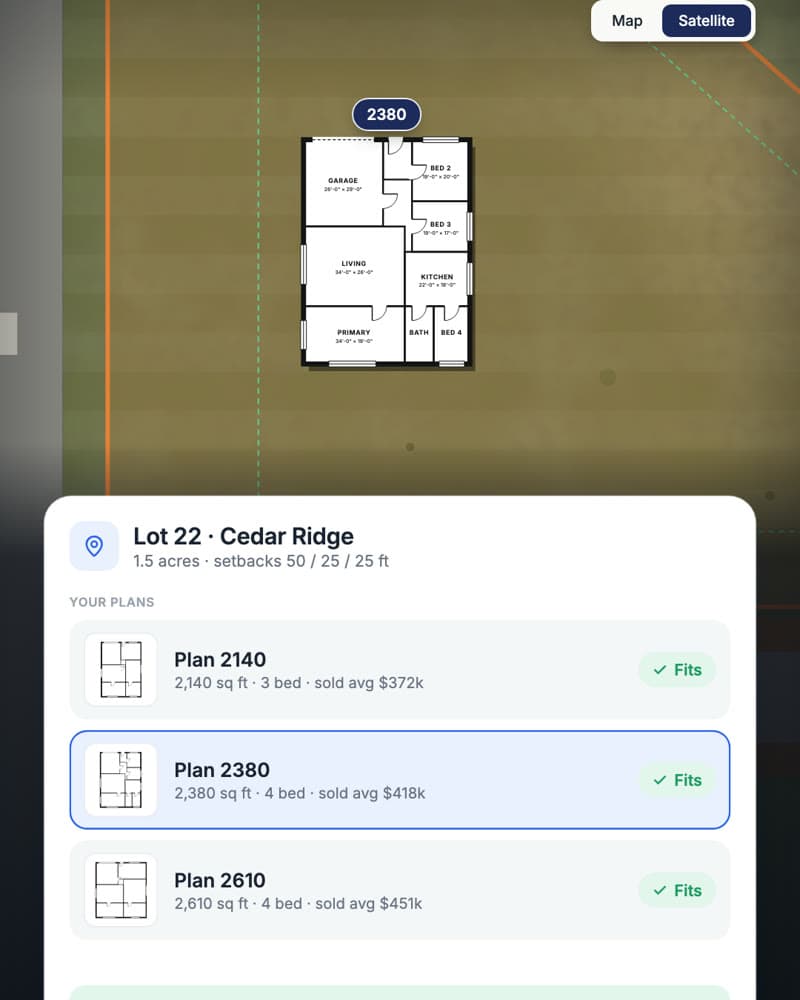
Pick a lot on the map and choose from your plans. The floor plan lands on the parcel to scale, inside the setbacks.
Pre-construction planning for home builders
See your lots on a map, place your plans on them to scale, and check what each plan sells for nearby. When you decide, Lucera sends the engineering, loan, design, and permit requests and tracks every reply.
Illustrative example. Lots, plans, prices, and companies are fictional.
How it works
01
Pick a lot on the map and choose from your plans. The floor plan lands on the parcel to scale, inside the setbacks.
02
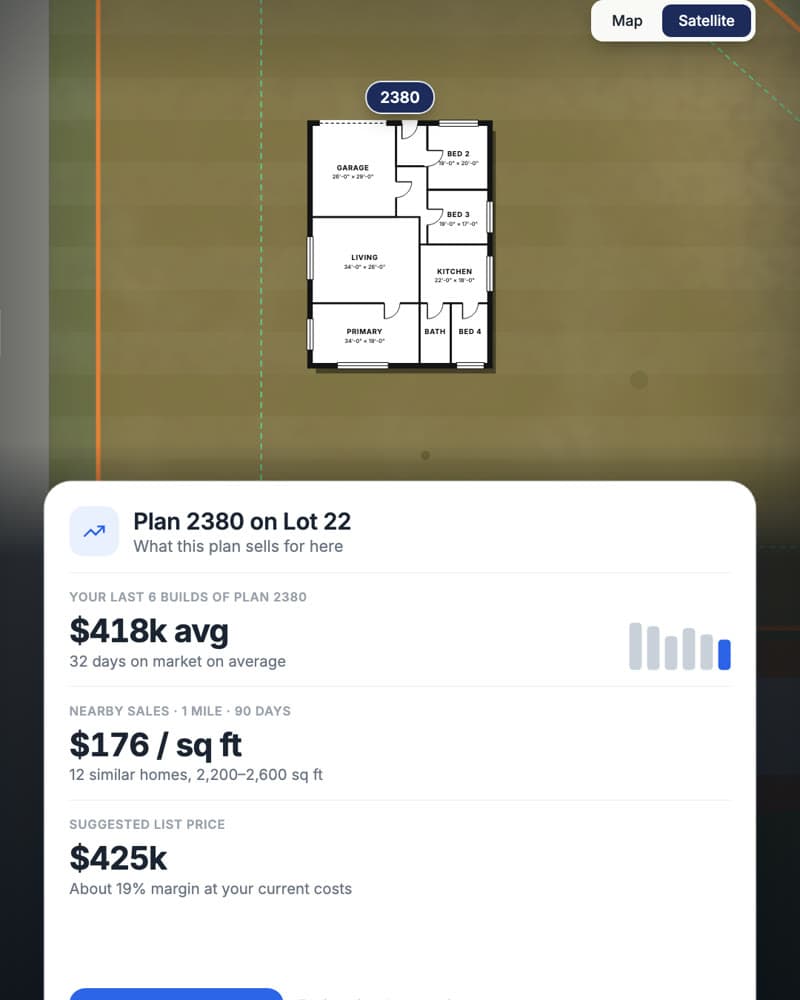
How this plan has sold for you, what similar homes nearby are going for, and a suggested list price, before you commit.
03
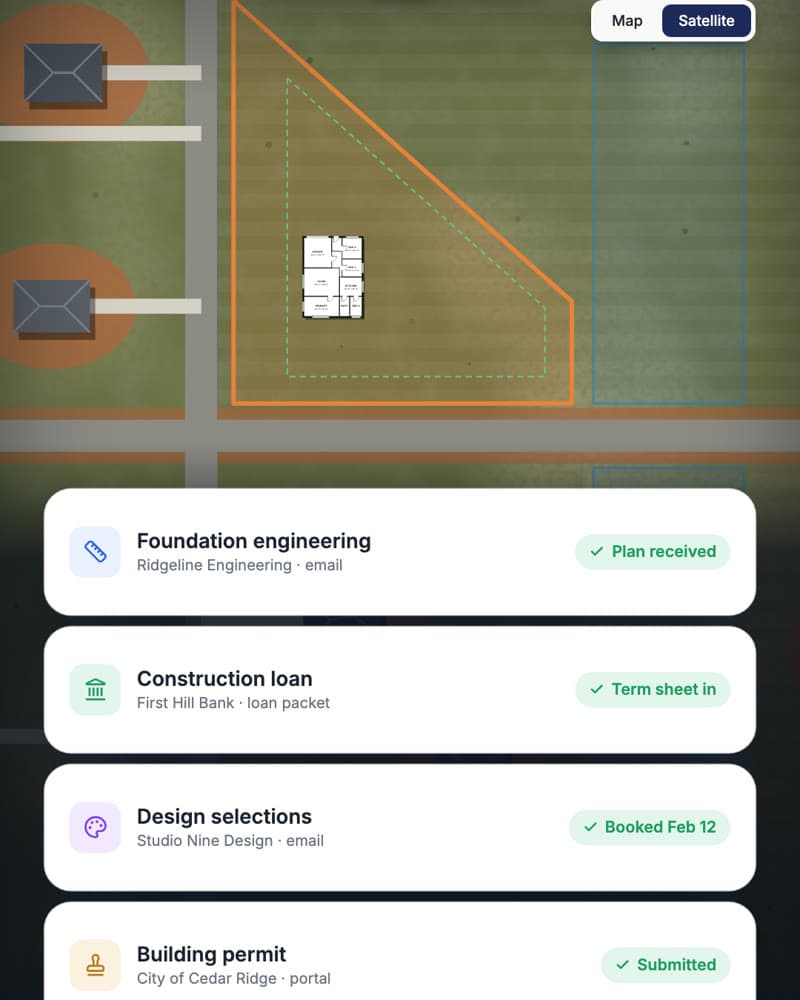
One click and Lucera sends the engineering, loan, design, and permit requests, then tracks every reply.
Your planning center
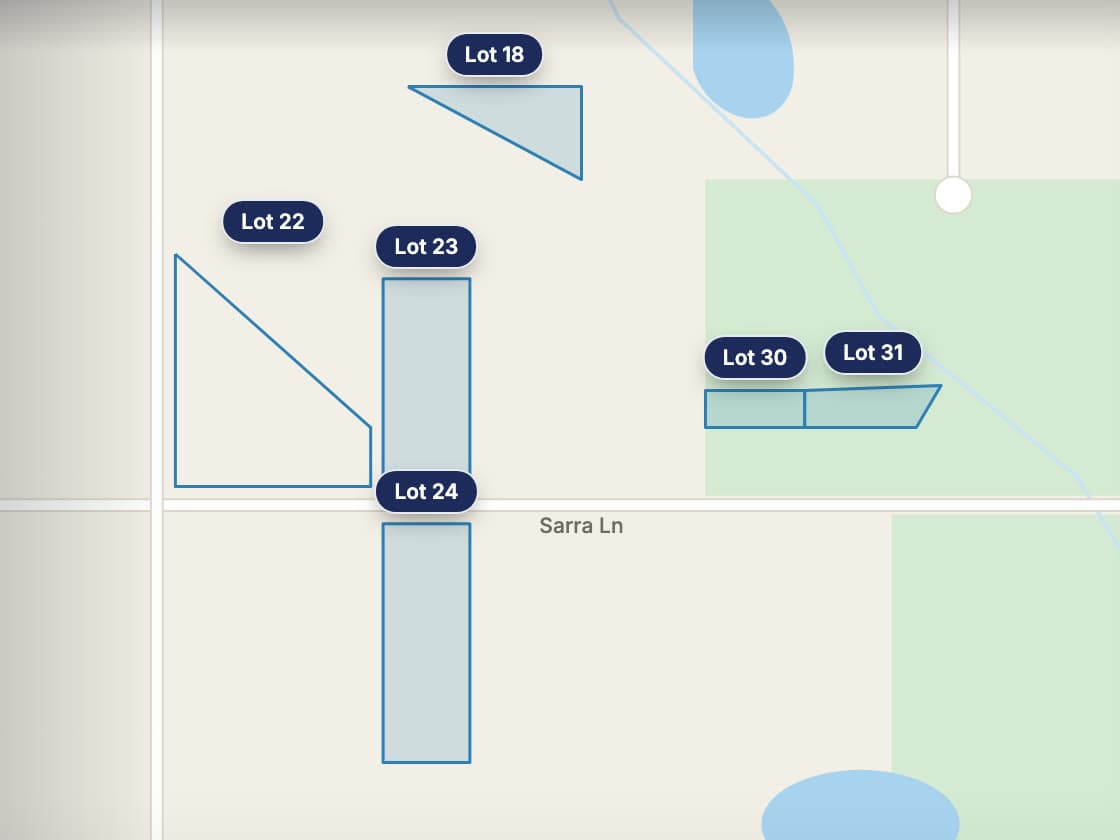
Every parcel you own, outlined and labeled, across every development.
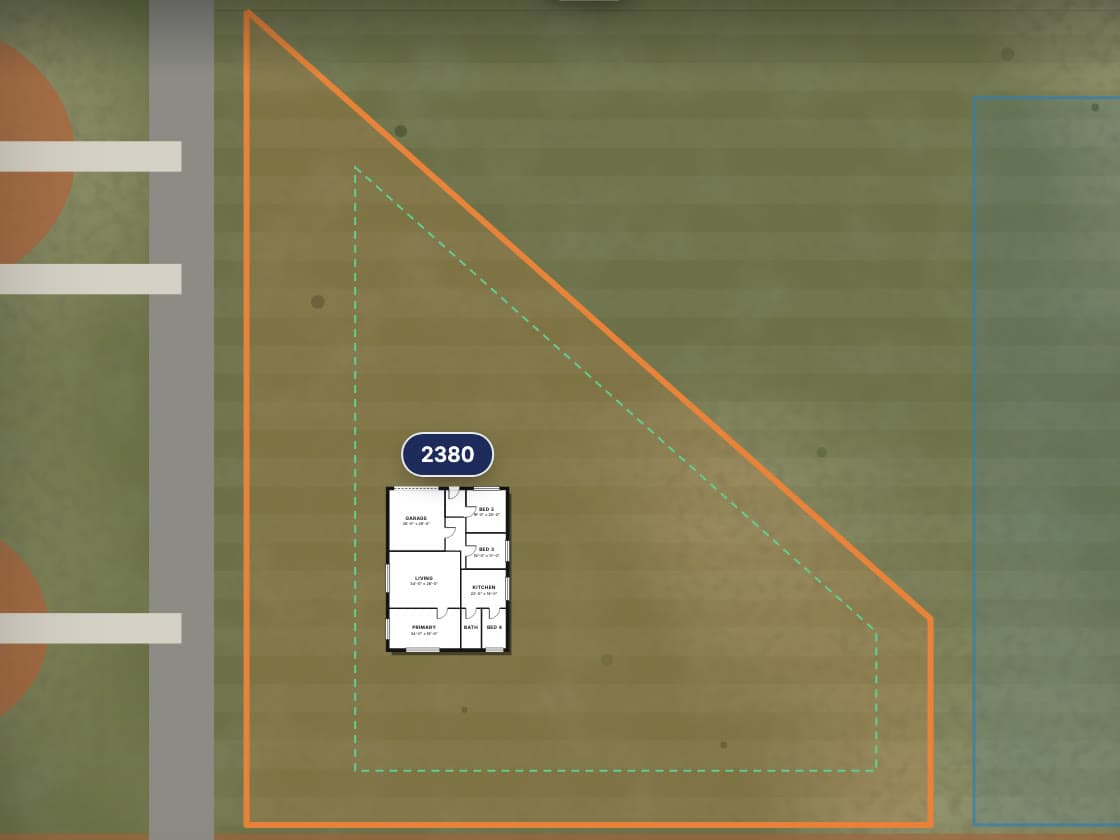
The land itself, with your floor plan placed to scale inside the setbacks.
Switch between a clean map and the satellite view to see the road, the land, and the neighbors.
Set up from the plan sets you already have, so what lands on the lot is the plan you build.
Front, side, and rear setbacks drawn on the parcel, so you can see a plan fits before you pick it.
Your past results for the plan and recent nearby sales of similar size.
Engineering, loan, design, and permit requests built from the lot and plan.
What was sent, what came back, and what’s still waiting, kept with the home.
You stay in control
Starting a home means a dozen handoffs. Lucera sends them and keeps them moving, so the start date doesn’t slip while someone waits on an email.
You choose the lot, the plan, and when to start. Lucera does the legwork after that.
Packets, recipients, and channels are agreed with you before anything goes out.
Engineering, surveyed boundaries, and approvals still go through the right professionals.
A few practical questions
A guided pilot for seeing the lots you can build on, choosing a plan for each, and starting the home. Lucera prepares and sends the requests needed to get to a start date, then tracks the documents and responses. We agree on the map data, plans, recipients, and first request workflows during setup.
Yes. Your lots appear on a map and satellite view, and your floor plans, set up from your existing plan sets, are drawn to scale on the lot with your setbacks. We confirm the available parcel data, plan geometry, and required checks during onboarding. Site placement is a planning aid; engineering, surveyed boundaries, setbacks, and approvals still require the appropriate professional review.
Past performance of a plan comes from your own closed homes. Nearby sales come from the market data sources agreed during onboarding. The figures are context for choosing a plan, not an appraisal, underwriting, or a guarantee of price.
Lucera sends the request packets included in your workflow, such as engineering, financing, design selections, and permits, to the recipients you configured. It then tracks replies and keeps returned documents with the home. Which requests go out, and to whom, is agreed during setup.
No. The pilot focuses on the lots you already have and advancing selected homes toward construction. Acquisition analysis, underwriting, and broader financial decisions are outside that scope unless separately agreed.
The goal is to carry the selected plan, current documents, and start date into field coordination. If you also pilot the superintendent agent, we agree on the records and handoff needed. The pilot does not assume an existing integration with every builder system.
Read more
A practical guide to AI agents for home builders: superintendent coordination, invoice processing, pre-construction, and warranty. Worked examples and review checklists.
Read emailed invoices, code every line, compare each bill with similar homes and your POs, and get problems fixed with the vendor. Explore a standalone billing pilot.
Let’s talk about your homes
Share a few lots and the plans you build most. We’ll walk through Lucera on your homes and agree on a practical first pilot, including scope, pricing, and a start date.